Demo
The recommended recording loop and scripted transcript for RadioCLI.
Recorded demos
These clips are generated from the built TUI, not mocked screenshots.
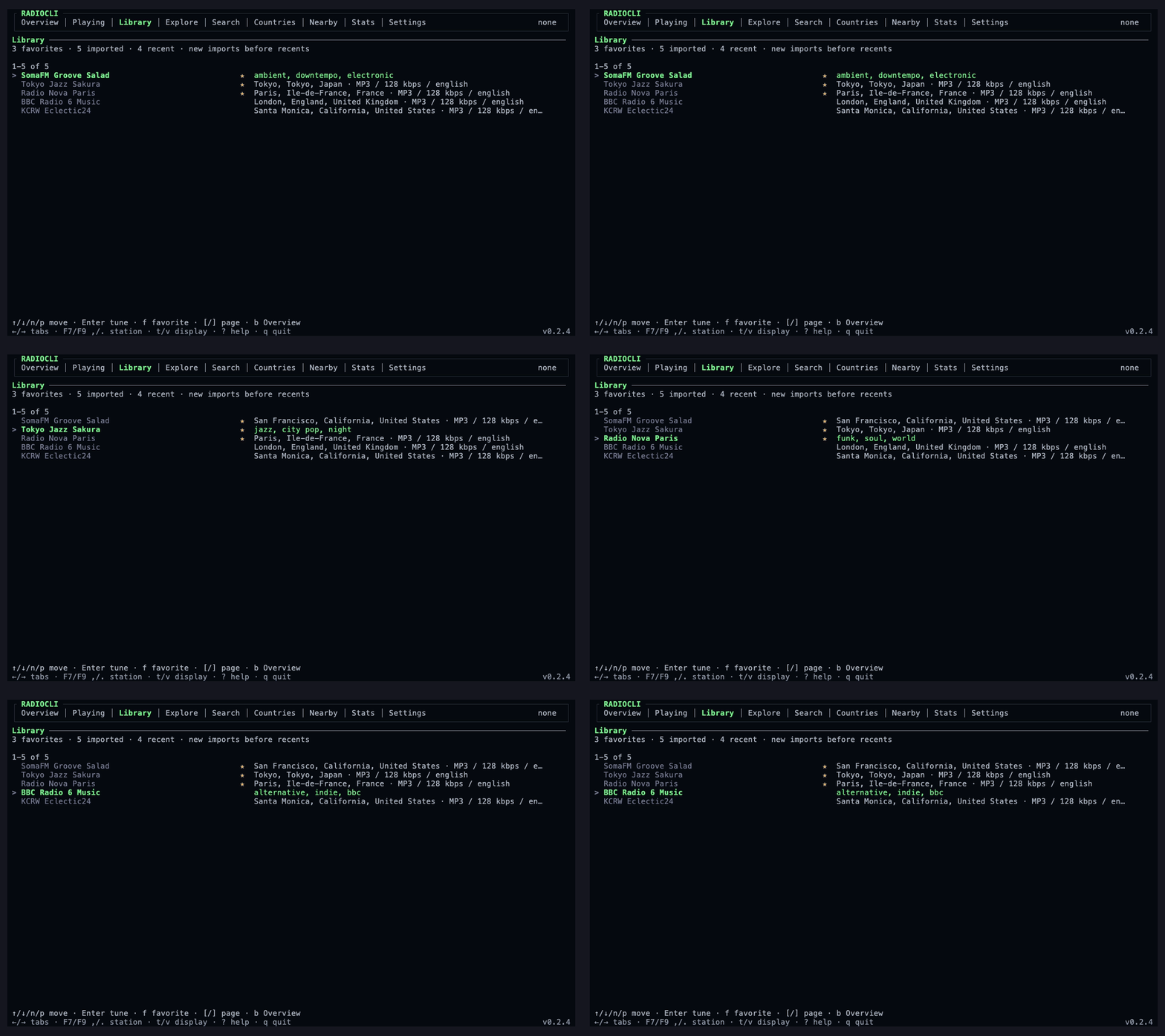
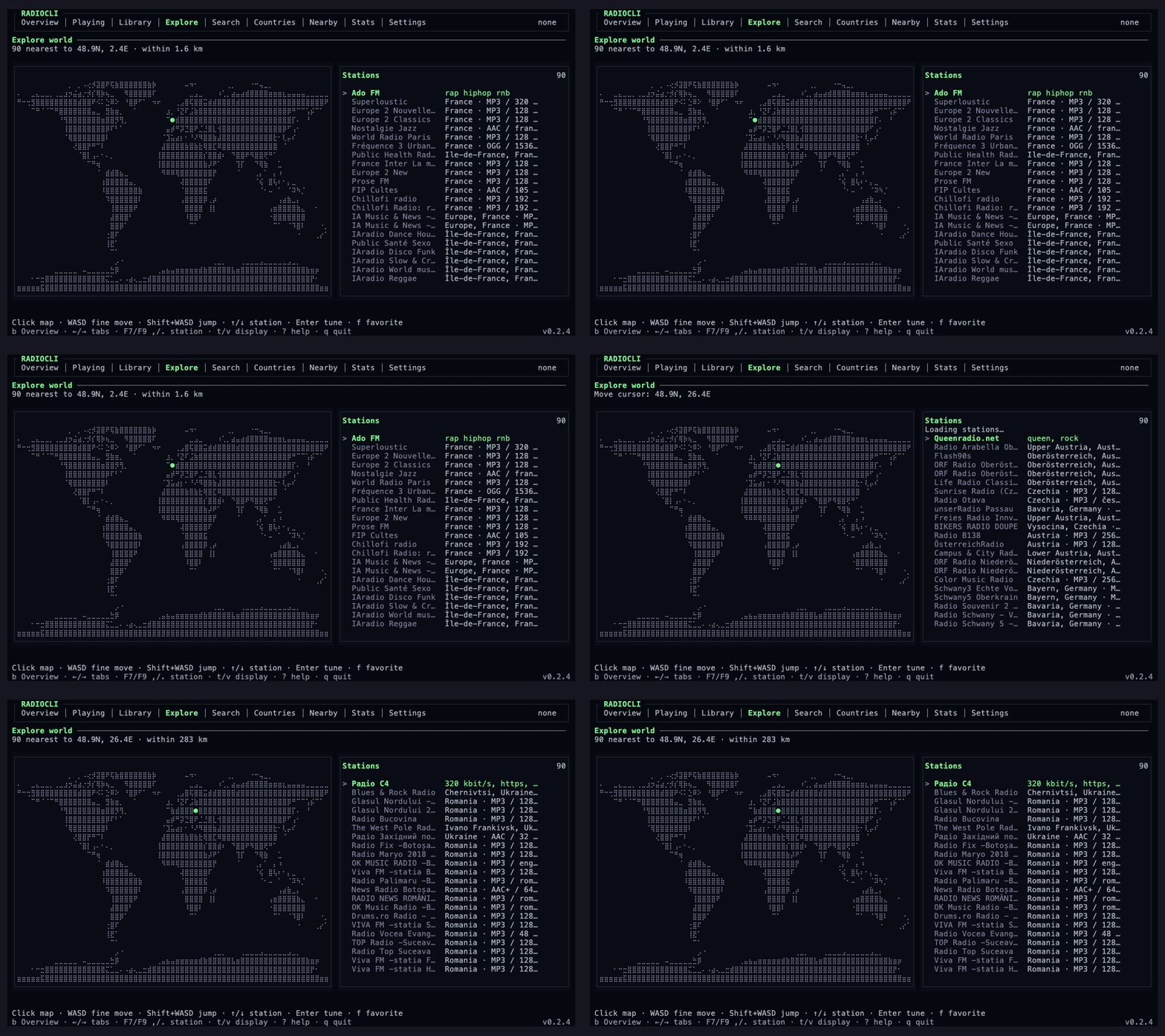
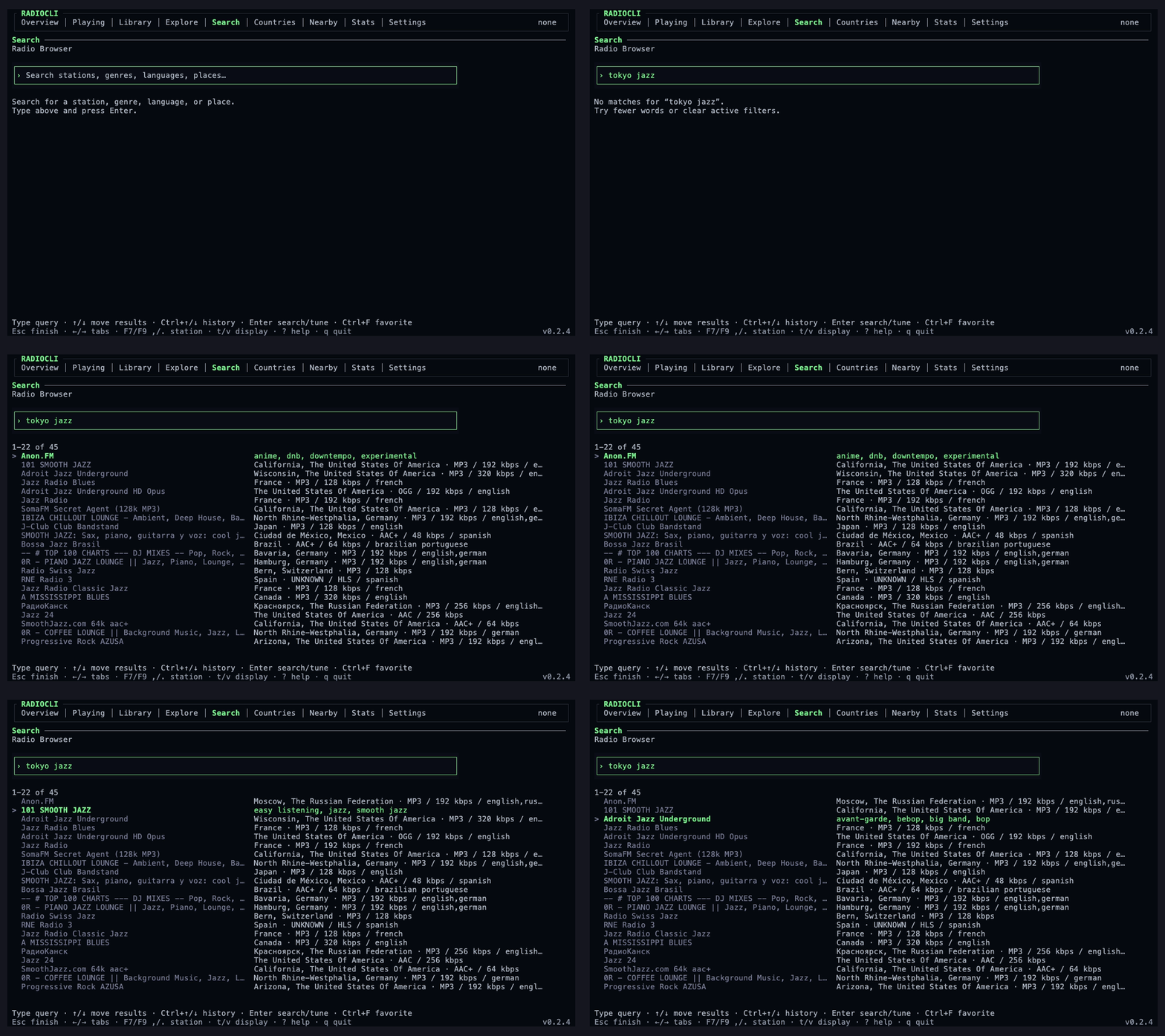
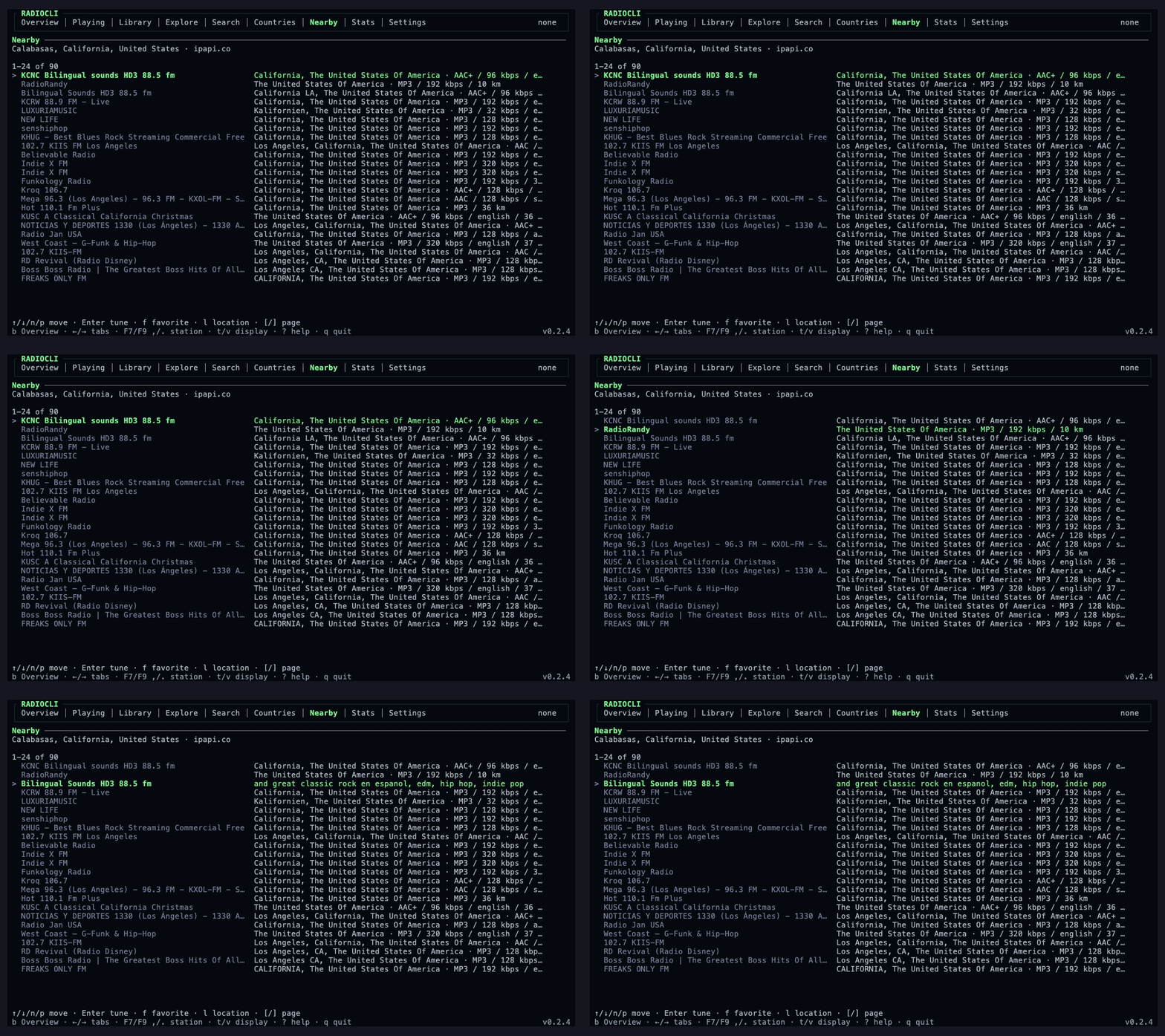
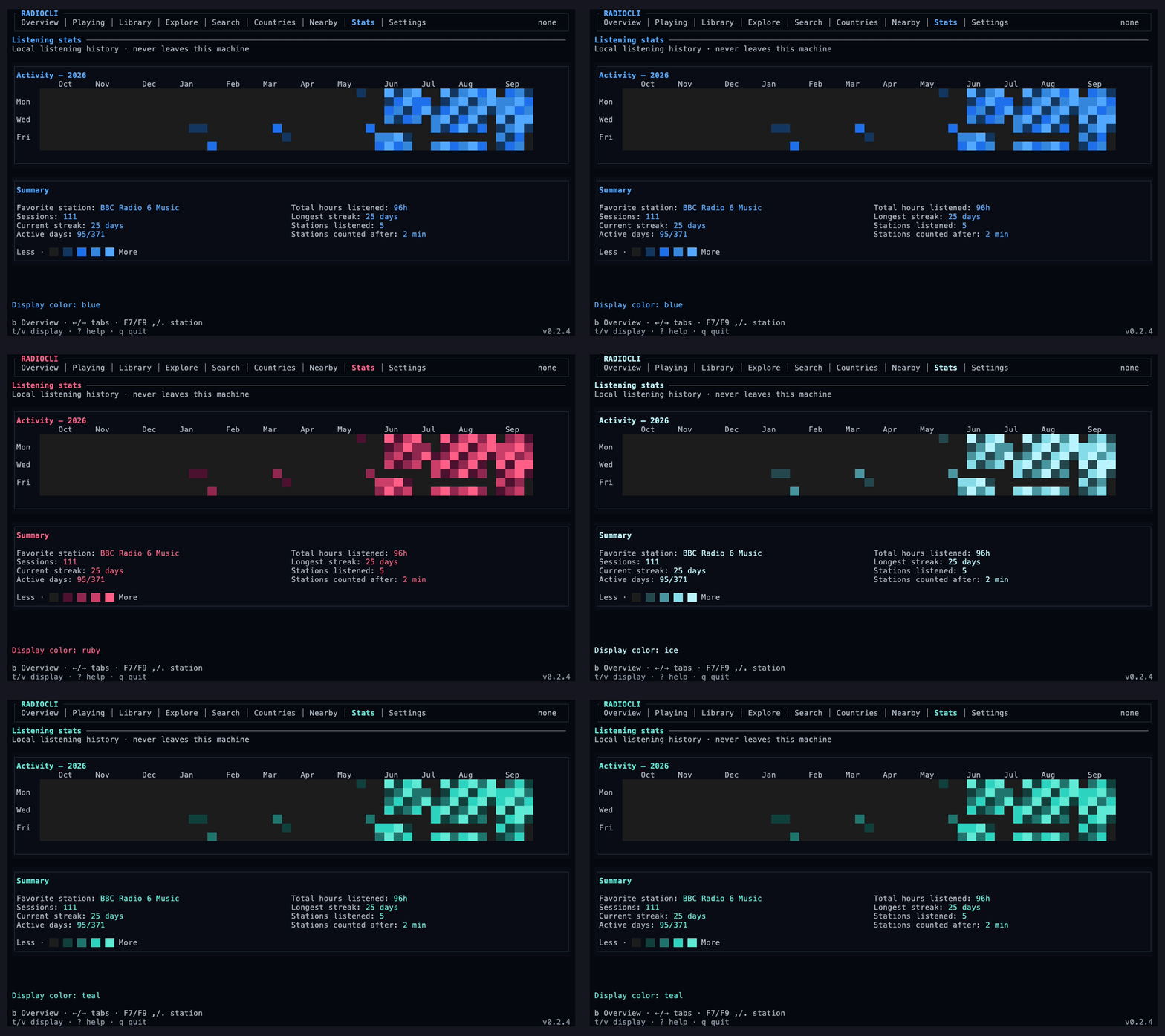
Regenerate the assets from the repo root with:
npm run build
npm run demo:assets
The recorder expects vhs, ImageMagick's magick, FFmpeg, mpv, and network access.
It writes the demo assets and full-screen screenshot to apps/docs/public/demo.
Manual Demo Flow
The best demo is a short terminal recording that shows the product loop:
- Start
radiocli. - Open Countries and press
wfor the world map. - Search for
tokyo jazz. - Tune a station.
- Open diagnostics.
- Show the command palette.
- Quit cleanly.
Generate a scripted transcript:
npm run demo:scriptRecord an interactive demo with asciinema, if installed:
asciinema rec assets/demo.cast --command "radiocli"Convert the cast to a GIF with agg, if installed:
agg assets/demo.cast assets/demo.gifBefore recording, run through Install and keep TUI Controls nearby.