Playback controls
Pause, change volume, mute, and view the current track. Use media keys outside the terminal or skip through the station list you tuned from.
Controls →Open-source internet radio player with a full-screen terminal interface and a scriptable CLI. Discover and stream stations from around the world without leaving your terminal. No account. No cloud library.
Free & open source · macOS, Linux & Windows
Move around an interactive world map to find broadcasts near any location. Browse countries and tune stations sorted by distance from the pin point.
Explore controls →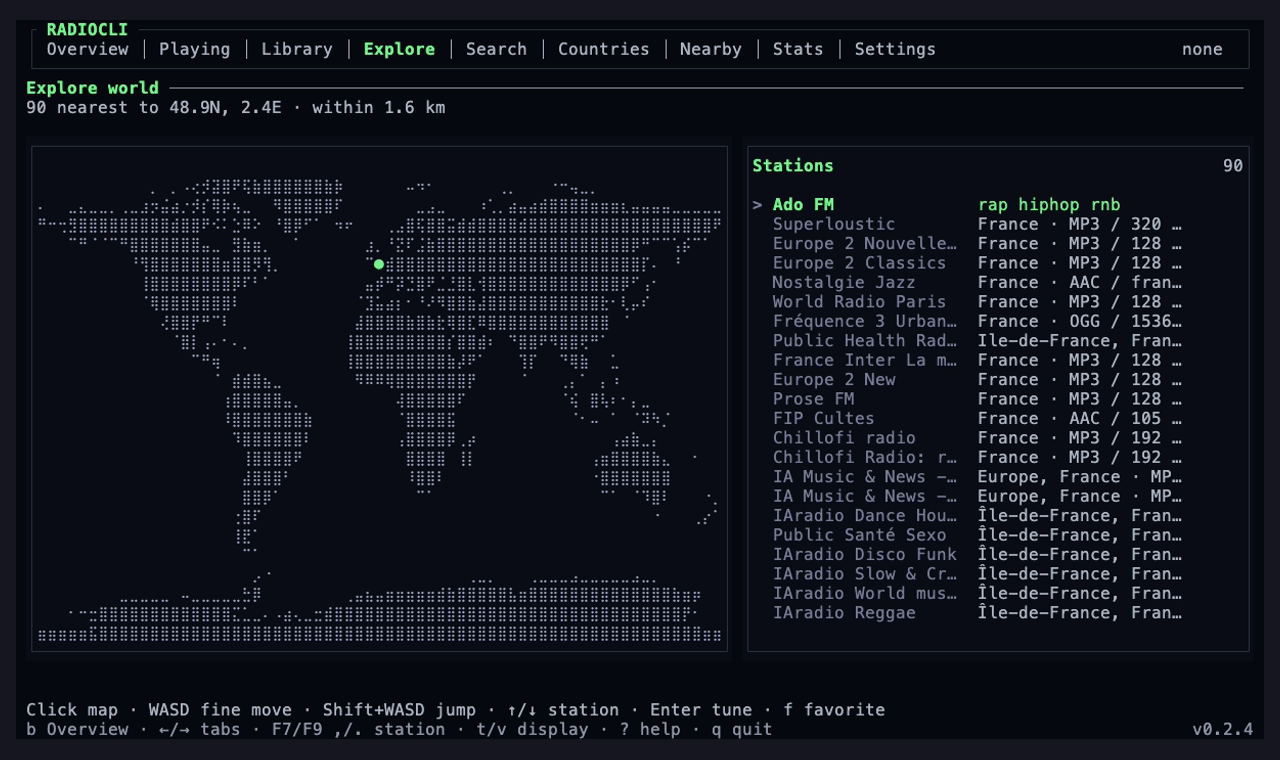
Search by station name or genre, or filter by country, language, codec, and bitrate. Find new favorites or listen to your existing library.
Search controls →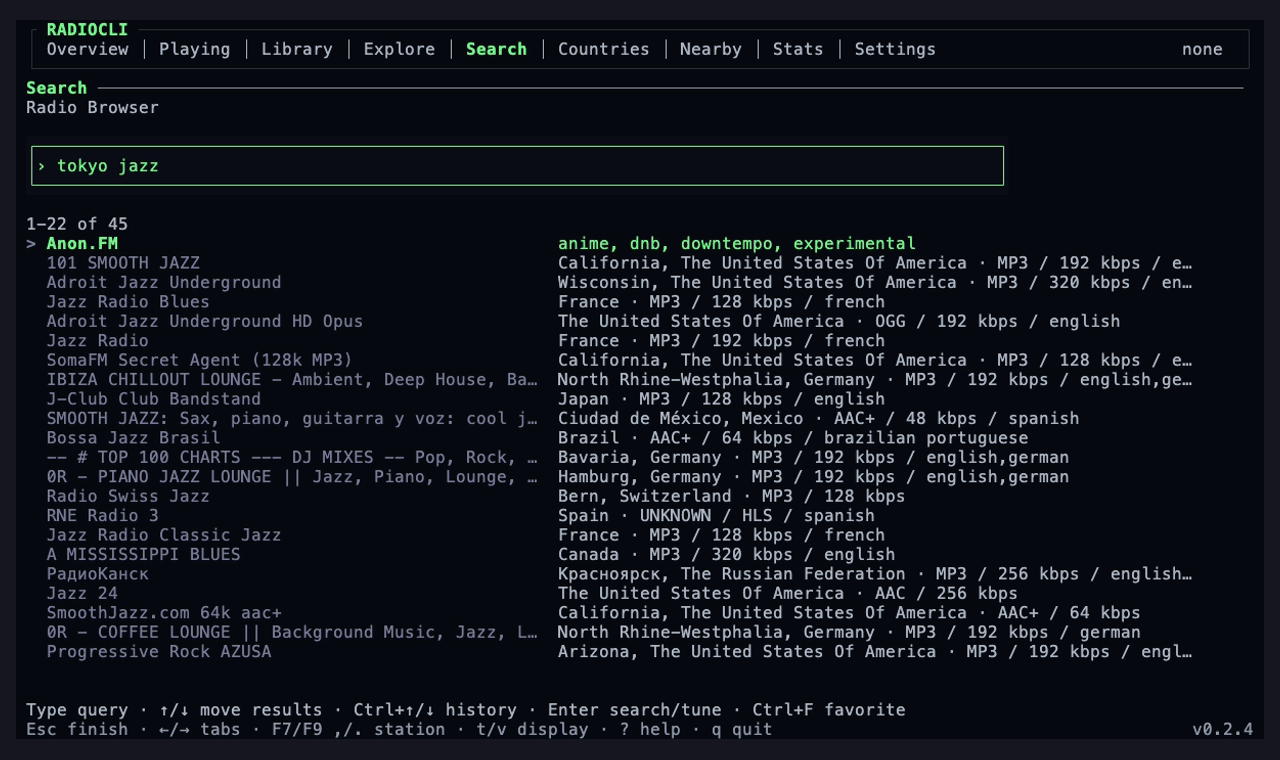
See a 52-week activity graph, listening time, session counts, active days, streaks, and your most-played station.
Stats commands →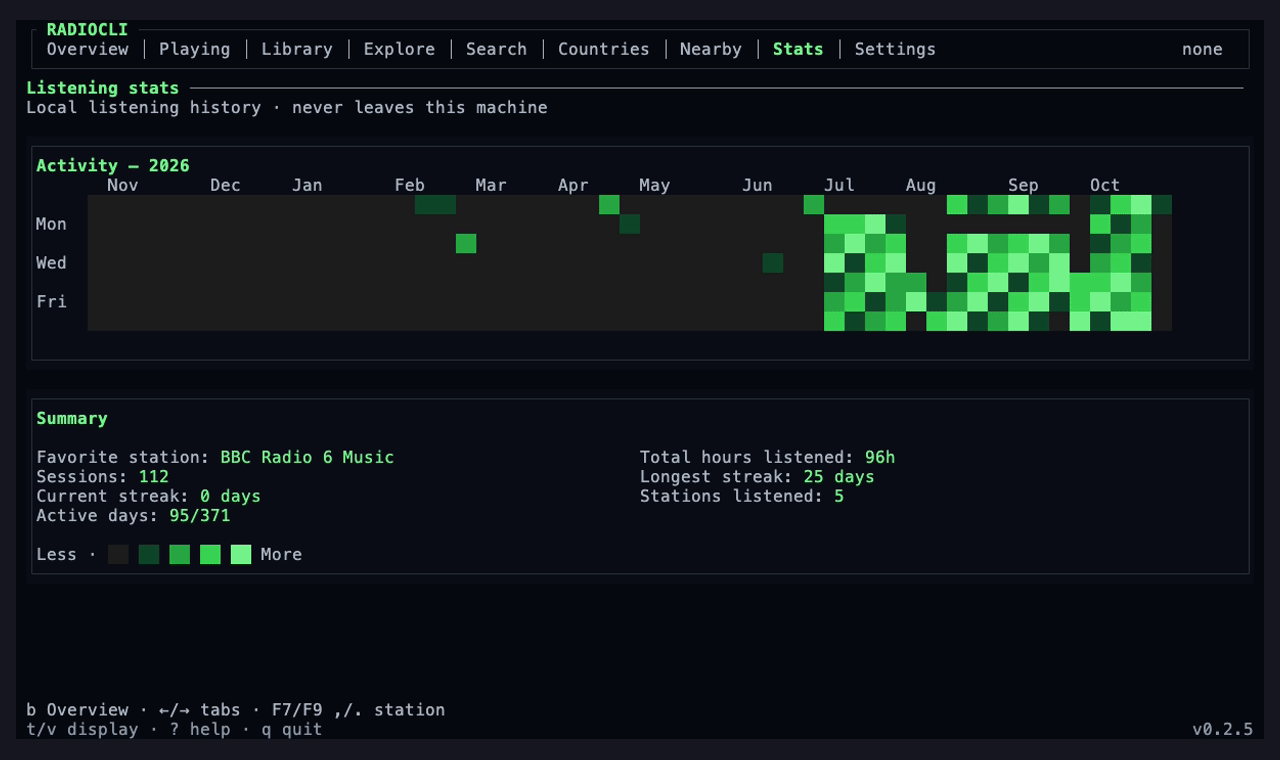
Choose from ASCII patterns, waves, cityscapes, and more.
Keep favorites, recent stations, and imported streams in one place. Review track history, return to a recent station, and back up your library for easy setups.
Library commands →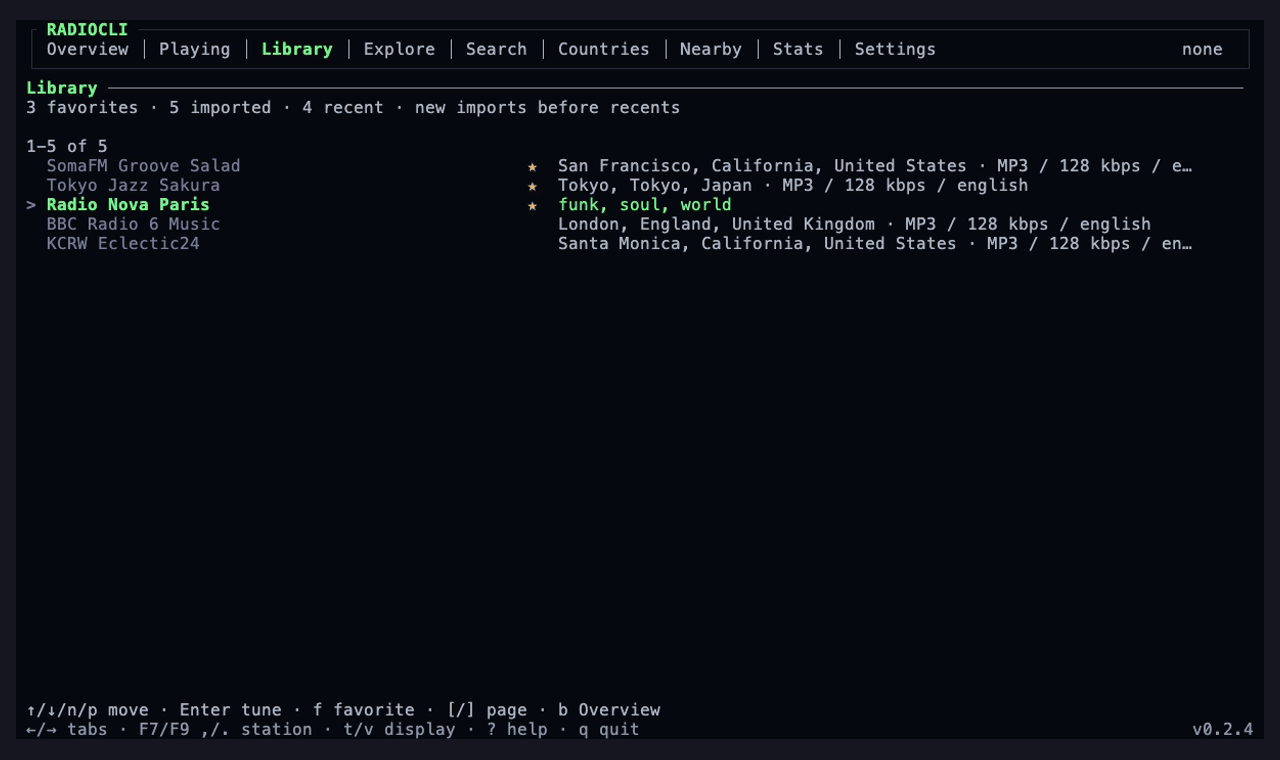
Find stations around your approximate location and browse them by distance.
Location & privacy →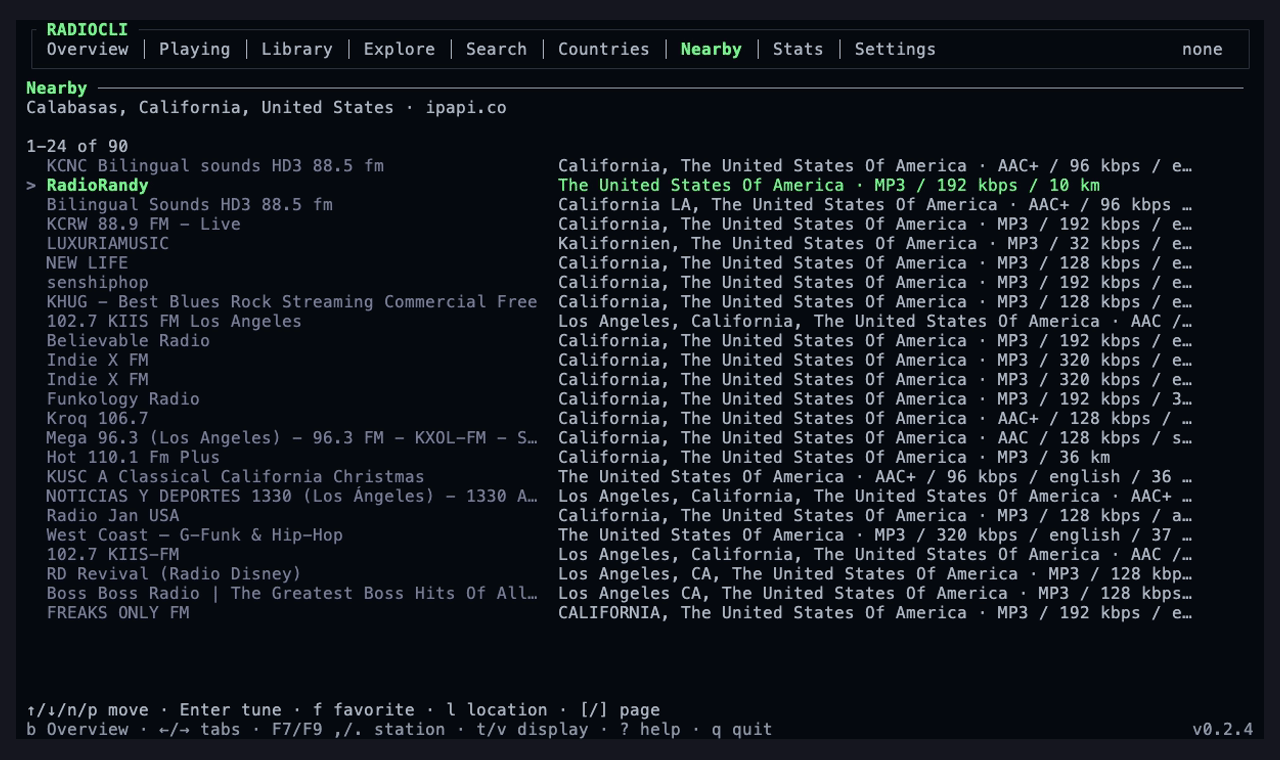
Schedule one-time or recurring radio alarms with fade-in, snooze, fallback stations, and auto-stop. Set a sleep timer to stop playback when you sleep.
Alarm setup · beta →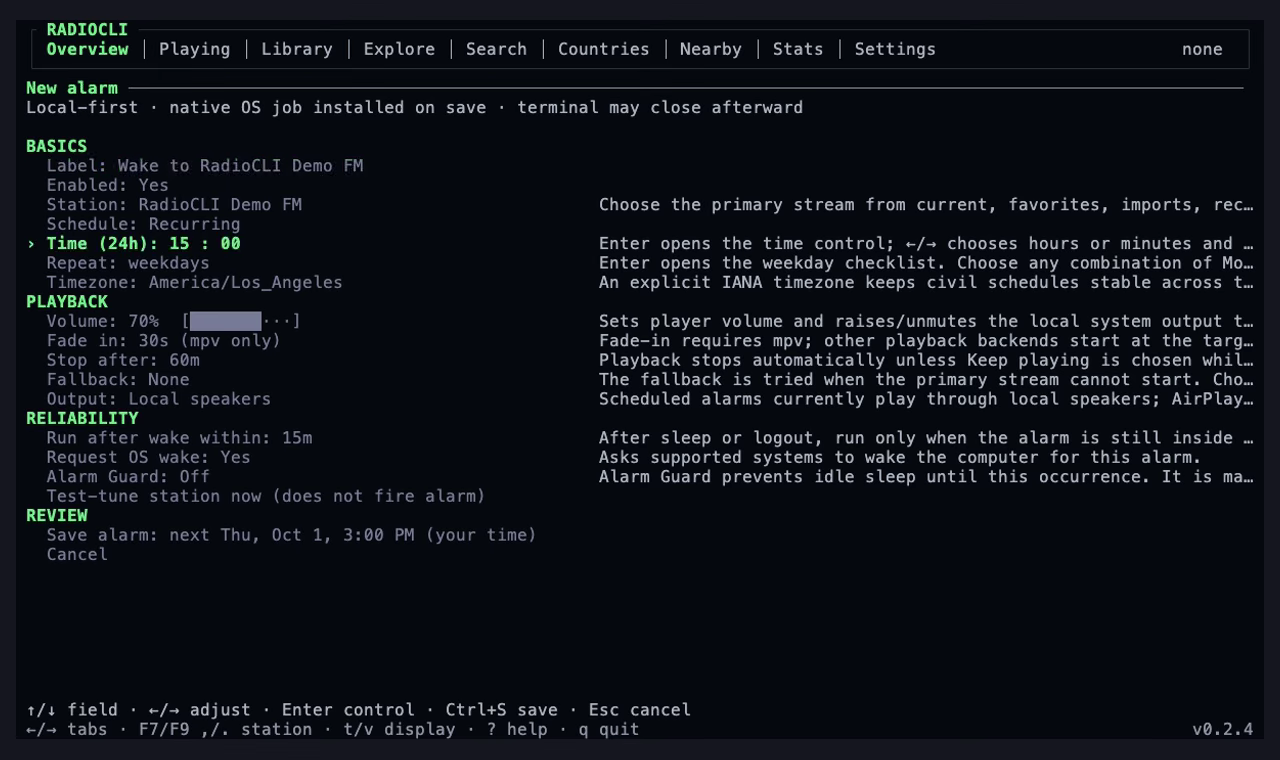
Give your agent access to RadioCLI’s controls through MCP. Discover stations, manage playback, build your library, and set alarms—all from a conversation.
MCP setup →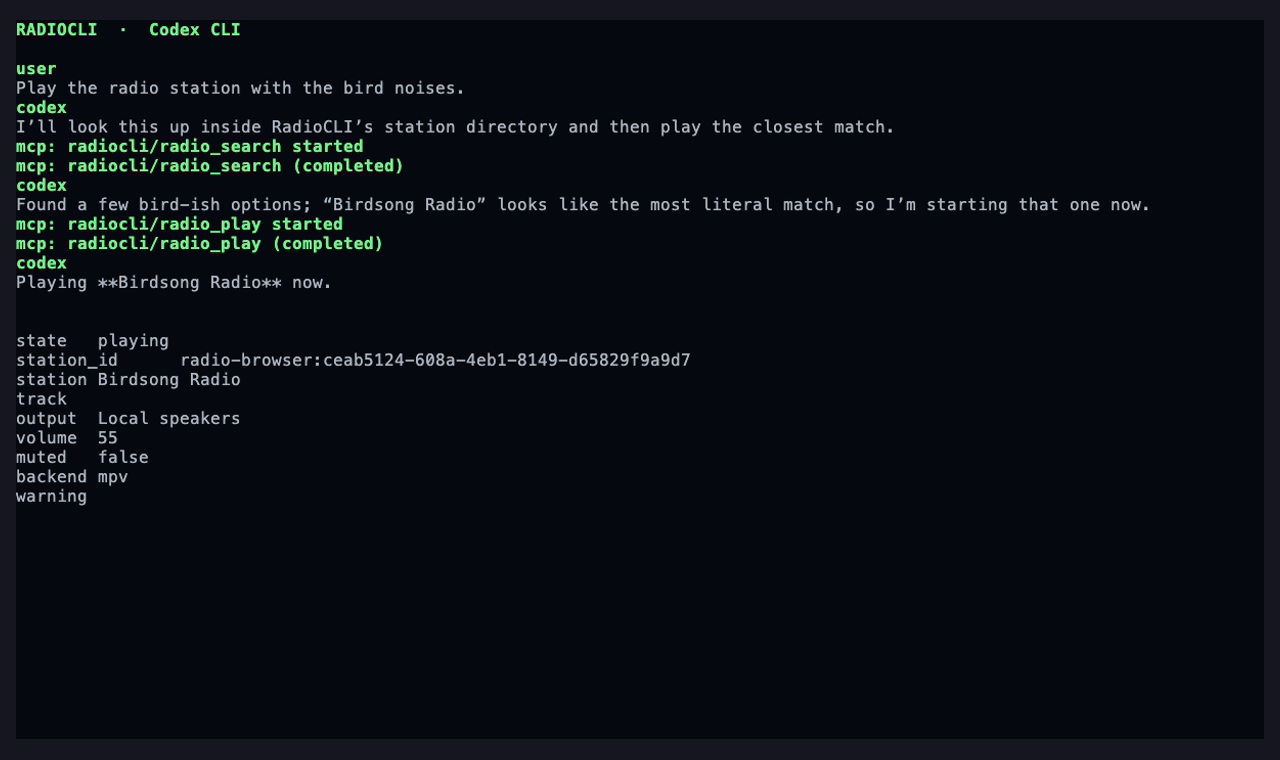
RadioCLI adapts to your terminal size, from full screen to a small pane. Built for accessible listening, with screen-reader support, reduced motion, and keyboard, mouse, and trackpad controls.
Terminal controls →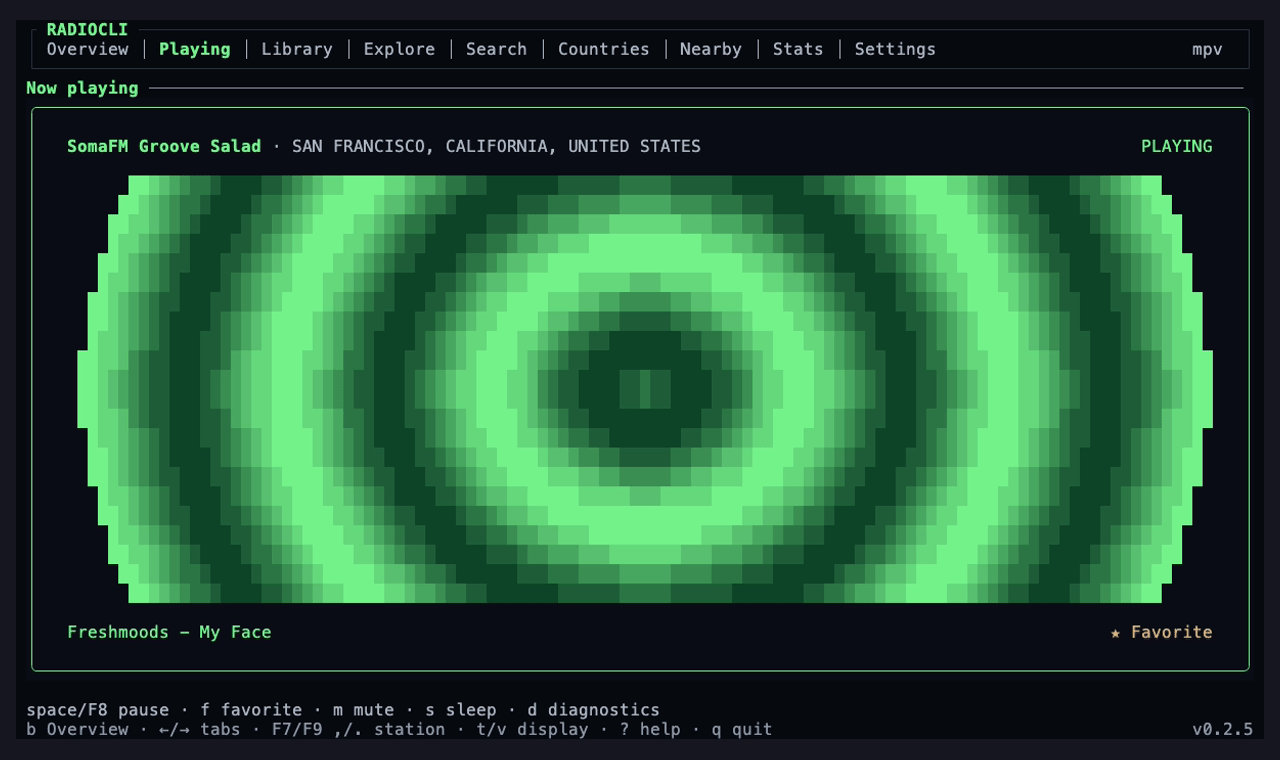
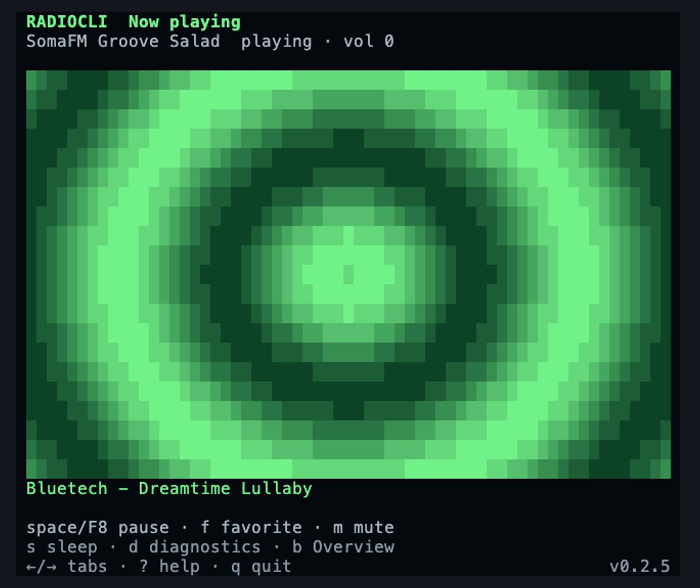
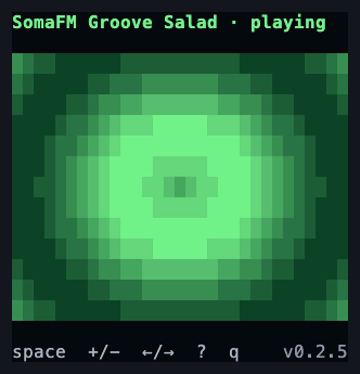
Pause, change volume, mute, and view the current track. Use media keys outside the terminal or skip through the station list you tuned from.
Controls →Start background playback, save named presets, and check the current track. Shell completion and JSON output support scripts and local tools.
CLI reference →Add direct stream URLs or import M3U, PLS, and XSPF playlists. Keep imported stations in your library and export the collection as an M3U file.
Station commands →Discover network receivers and switch audio output from the terminal. Enter a passcode when needed, with support depending on your setup.
Supported setups →Try directory mirrors and skip broken streams when playback fails. Browse cached station lists during directory outages or use low-bandwidth mode.
How recovery works →Keep favorites, settings, track history, and listening stats on your machine. Back up and restore your data as JSON, with no account required.
Privacy & storage →Free and open source. Available for macOS, Linux, and Windows.